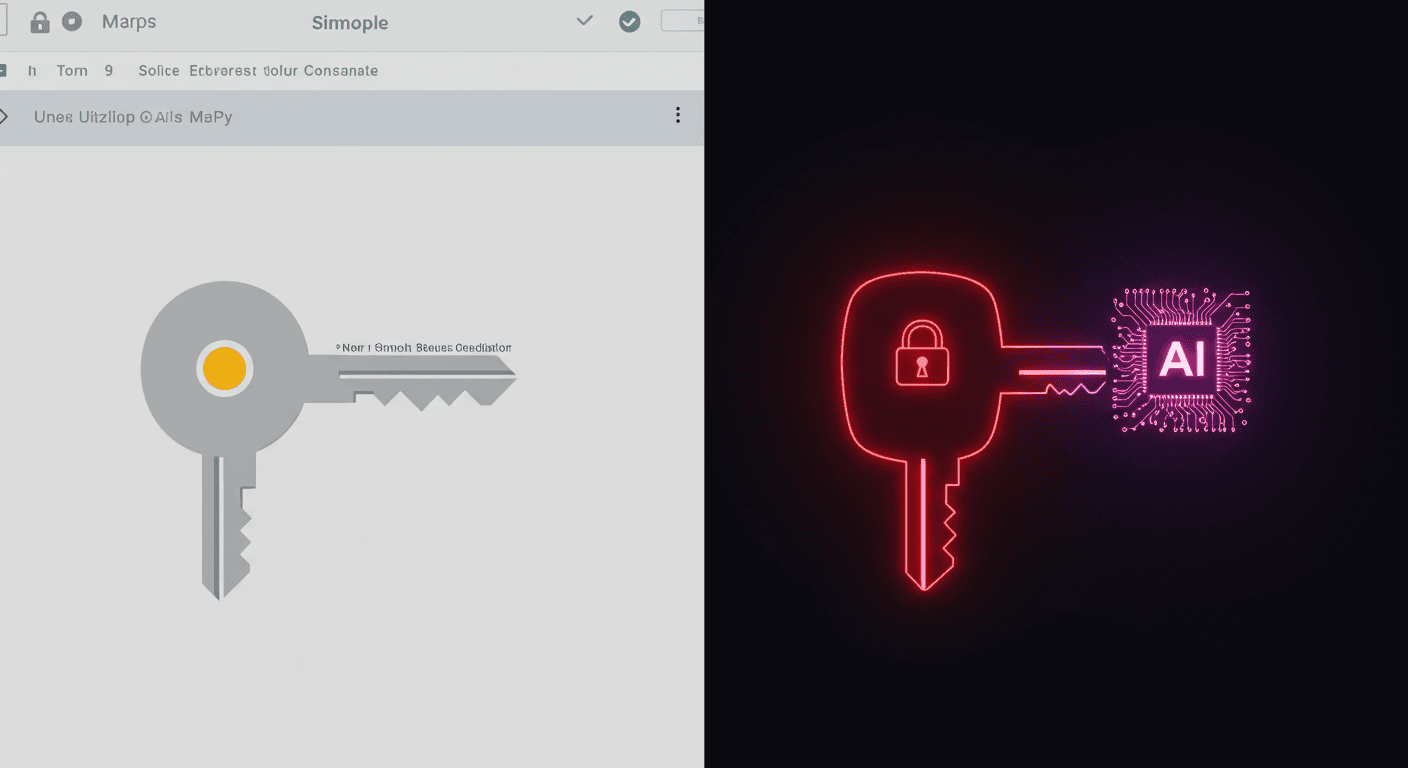
Your Google API Keys Just Became Gemini Credentials (And Nobody Told You)
Google told developers API keys aren't secrets. Then Gemini changed the rules. Truffle Security found 2,863 live keys on public websites that now access private Gemini endpoints, including keys belonging to Google itself. The attack is a single curl command.
Your Google API Keys Just Became Gemini Credentials (And Nobody Told You)
Google spent over a decade telling developers that API keys are not secrets. Firebase's security checklist says it. The Maps JavaScript docs instruct you to paste them into client-side HTML. Millions of websites did exactly that.
Then Google enabled Gemini on those same projects. And every one of those public keys quietly became a backdoor into private AI endpoints. No email. No warning. No opt-in.
Truffle Security scanned the November 2025 Common Crawl dataset and found 2,863 live Google API keys on public websites that now authenticate to Gemini. The affected organizations include major financial institutions, security companies, global recruiting firms, and Google itself.
How This Happened
Google Cloud uses a single API key format (AIza...) for two completely different purposes: public project identification and sensitive API authentication.
For years, this was fine. A Maps key was a billing identifier. You put it in your HTML, restricted it by HTTP referer, and moved on. Google's own docs told you this was the right approach.
The problem started when Google launched the Gemini API (Generative Language API). When someone on your team enables Gemini on a Google Cloud project, every existing API key in that project silently gains access to Gemini endpoints. That includes the Maps key you embedded in your website's source code three years ago.
The sequence matters, because it's what makes this a privilege escalation rather than a misconfiguration:
- A developer creates an API key for Google Maps and embeds it in a website. (At this point, the key is harmless. Google said so.)
- Someone on the team enables the Gemini API on the same GCP project. (Now that key can access Gemini endpoints.)
- Nobody gets notified that the key's privileges changed. (A billing identifier just became an authentication credential.)
New keys are also created with unrestricted access by default. The GCP console shows a warning about "unauthorized use," but the default is wide open across every enabled API in the project.
What an Attacker Can Do
The attack is trivial. View page source, copy the AIza... key from a Maps embed, and run:
curl "https://generativelanguage.googleapis.com/v1beta/files?key=$API_KEY"
Instead of 403 Forbidden, you get 200 OK. From there:
Access private data. The /files/ and /cachedContents/ endpoints can contain uploaded datasets, documents, and cached context. Anything stored through the Gemini API is accessible with that key.
Run up your bill. Gemini API usage isn't free. Depending on the model and context window, an attacker maxing out API calls could generate thousands of dollars in charges per day on a single victim account.
Exhaust your quotas. This shuts down your legitimate Gemini services entirely.
The attacker never touches your infrastructure. They scrape a key from a public webpage.
Google's Own Keys Were Vulnerable
Truffle Security didn't just find random developer keys. They found keys embedded in Google's own product websites. One key had been publicly deployed since at least February 2023 (confirmed via the Internet Archive), well before Gemini existed. It was used solely as a public project identifier.
When they tested it against the Gemini API's /models endpoint, they got a 200 OK listing available models.
If Google's own engineering teams can't avoid this trap, expecting every developer to navigate it correctly is unrealistic.
The Disclosure Timeline
The disclosure timeline tells its own story:
- Nov 21, 2025: Truffle Security submits report to Google's VDP.
- Nov 25, 2025: Google initially determines behavior is "intended." Truffle pushes back.
- Dec 1, 2025: After seeing examples from Google's own infrastructure, the issue gains traction internally.
- Dec 2, 2025: Google reclassifies from "Customer Issue" to "Bug," upgrades severity.
- Jan 13, 2026: Google classifies it as "Single-Service Privilege Escalation, READ" (Tier 1).
- Feb 2, 2026: Google confirms team is still working on root-cause fix.
- Feb 19, 2026: 90-day disclosure window ends. Truffle publishes.
Google spent four days dismissing this as intended behavior. It took examples from their own infrastructure to change their mind.
The Deeper Problem: AI APIs Are Retroactively Upgrading Old Credentials
This isn't just a Google problem. It's a pattern that will repeat across the industry.
Every major cloud provider is bolting AI capabilities onto existing platforms. AWS added Bedrock to existing IAM roles. Azure added OpenAI endpoints to existing subscriptions. Google added Gemini to existing API keys.
The assumption behind all of these integrations: existing credential scopes are well-understood and tightly managed. The reality: most organizations have credentials deployed years ago under different security assumptions. When you add a powerful new API to an existing credential scope, you're retroactively upgrading the blast radius of every credential in that scope.
Google's case is the most visible because their docs explicitly said "these keys are not secrets." But the principle applies everywhere:
- An AWS IAM role created for S3 access in 2020 might now have Bedrock permissions if someone updated the policy.
- An Azure service principal from 2021 might now access OpenAI endpoints after a subscription upgrade.
- A Stripe key with read-only access might gain new capabilities when Stripe ships new API surfaces.
The pattern: new capabilities, old credentials, no notification.
What You Should Do Right Now
If you use Google Cloud at all, here's the checklist:
Step 1: Check every GCP project for the Generative Language API
Go to APIs & Services > Enabled APIs & Services in the GCP console. Look for "Generative Language API." Do this for every project in your organization. If it's not enabled, you're not affected by this specific issue.
Step 2: Audit your API keys
Navigate to APIs & Services > Credentials. Check each API key's configuration. You're looking for:
- Keys with a warning icon (unrestricted access)
- Keys that explicitly list the Generative Language API in their allowed services
Either configuration allows the key to access Gemini.
Step 3: Verify none of those keys are public
If a key with Gemini access is embedded in client-side JavaScript, checked into a public repository, or otherwise exposed on the internet, you have a live vulnerability. Start with your oldest keys first. Those are the ones most likely deployed publicly under the old "API keys are safe to share" guidance.
Step 4: Restrict or rotate
For keys that must remain public (Maps embeds, etc.), restrict them to specific APIs. Remove Gemini from the allowed list. For keys that shouldn't be public at all, rotate them immediately.
Step 5: Scan your codebase
# Using TruffleHog to find leaked Google API keys
trufflehog filesystem /path/to/your/code --only-verified
TruffleHog verifies whether discovered keys are live and have Gemini access, so you know which keys are actually exposed, not just which ones match a regex.
Where Google Says They're Headed
Google has published a remediation roadmap:
- Scoped defaults: New keys created through AI Studio will default to Gemini-only access.
- Leaked key blocking: They're defaulting to blocking API keys discovered as leaked.
- Proactive notification: They plan to notify when they identify leaked keys.
These are real improvements. But they don't address the thousands of keys already deployed. Google hasn't committed to retroactively auditing existing keys or notifying project owners who are currently exposed.
The Takeaway
If you manage Google Cloud projects, audit your API keys today. Not next sprint. Today. The attack is a single curl command, the keys are sitting in public HTML, and Google's own fix isn't complete yet.
The broader lesson: every time a cloud provider adds AI capabilities to an existing platform, go back and audit what those capabilities can access. The credentials you deployed under old assumptions just inherited new powers. And nobody is going to email you about it.
Get new posts in your inbox
Architecture, performance, security. No spam.
Keep reading
AI Can't Audit Your Binaries Yet
The best AI model finds 49% of backdoors in compiled binaries. With a 22% false positive rate. Here's what that means for your supply chain security strategy.
Inside Claude Code's Context Machine
Claude Code manages your context through three systems: microcompaction, auto-compaction, and structured rehydration. Here's how the machinery actually works, and why most developers burn tokens without realizing it.
AI Made Writing Code Easier. It Made Engineering Harder.
AI accelerates code production but expands scope, raises expectations, and shifts the bottleneck from implementation to judgment. Engineers are doing 2x the work and feeling 10x the burnout.