Inside Claude Code's Context Machine
Claude Code manages your context through three systems: microcompaction, auto-compaction, and structured rehydration. Here's how the machinery actually works, and why most developers burn tokens without realizing it.
I wrote a few weeks ago about Anthropic hiding file paths in Claude Code v2.1.20. The developer pushback was justified, but the real story isn't about UI visibility. It's about the system that decides what Claude sees and what gets thrown away.
Most developers treat the context window like a chat history. Type a message, get a response, type another. The window fills up and eventually Claude starts forgetting things. That mental model is wrong. Claude Code doesn't just accumulate messages. It runs an active memory management system with three distinct layers, and understanding those layers is the difference between burning $12 a day and spending $6.
The context window isn't what you think
Your context window holds everything Claude can see at once: system prompts, your messages, Claude's responses, tool outputs, and injected file contents. For Sonnet 4.6, that's about 200,000 tokens.
But "200,000 tokens" is misleading. A significant chunk is consumed before you type anything.
Every MCP server you configure adds tool definitions to context. One tool definition (name, description, parameter schema, usage notes) can eat 600+ tokens. If you have 15 tools across a few MCP servers, you've burned 9,000 tokens on overhead alone. And that's static, sitting there on every single turn.
Then there's the system prompt, CLAUDE.md files, project instructions, and any skills or hooks. A well-configured Claude Code setup can start a conversation with 30,000+ tokens already consumed. That's 15% of your window gone before "hello."
The practical ceiling is even lower. Blake Crosley measured token consumption across 50 development sessions and found a consistent pattern: output quality degrades at roughly 60% context usage. Not at 100%. Not at 90%. At 60%. The "lost in the middle" problem means Claude prioritizes content at the start and end of the window while information in the middle gets overlooked. So your effective context budget is closer to 120,000 tokens, and 30,000 of those are already spoken for.
You're working with maybe 90,000 tokens of productive space. That's about 45 pages of code. In a complex session with file reads, tool outputs, and back-and-forth conversation, you can burn through that in 30 minutes.
Layer 1: Microcompaction (the silent garbage collector)
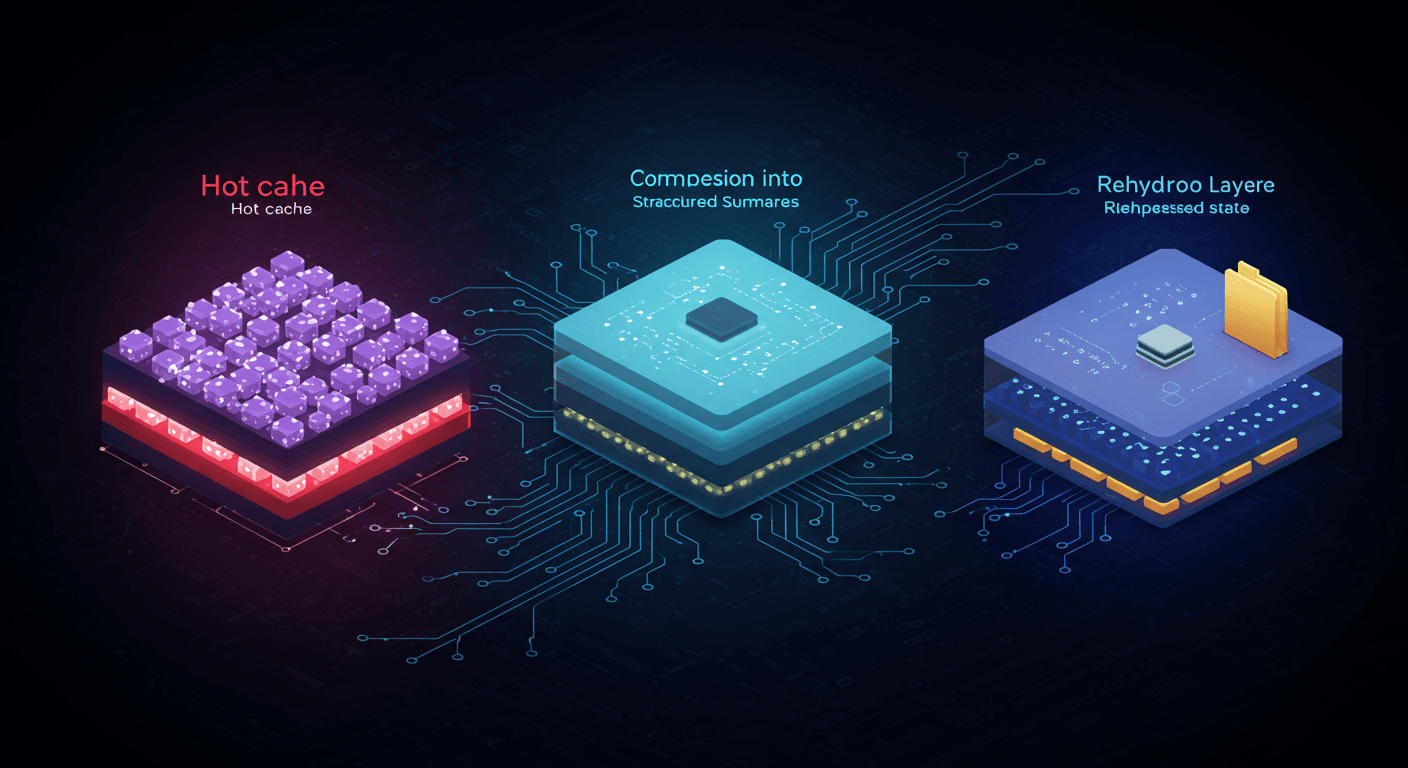
This is the layer most developers never notice. When tool outputs get large, Claude Code saves them to disk and keeps only a reference in the conversation context. Recent tool results stay fully visible. Older results become "stored on disk, retrievable by path."
Think of it as a two-tier cache:
The "hot tail" is a small window of recent tool results that remain fully inline, so Claude can reason about them directly.
"Cold storage" is everything else, replaced with a pointer. Humans can still audit the full output, and Claude can re-read it if needed, but it doesn't count against the context budget.
This applies to Read, Bash, Grep, Glob, WebSearch, WebFetch, Edit, and Write tool outputs. The system decides what to offload based on recency and size.
Here's why this matters practically: when Claude reads a 2,000-line file, that can consume 15,000-20,000 tokens. If you read ten files during a session, that's potentially 150,000+ tokens of file content alone, more than your entire effective budget. Microcompaction prevents that from killing your session. The first files you read get offloaded to disk as newer reads come in.
The tradeoff is subtle. Once a file's contents move to cold storage, Claude can't reference specific lines from it without re-reading it. If you're doing a multi-file refactor and Claude needs to remember the exact interface from a file it read twenty minutes ago, it might get it wrong or need to re-read, burning more tokens. This is why experienced Claude Code users structure their work in focused bursts rather than sprawling sessions.
Layer 2: Auto-compaction (the emergency brake)
When the context window gets dangerously full, auto-compaction kicks in. This isn't a simple "delete old messages." It's a structured summarization job.
The system reserves two budgets:
Output headroom: enough space for Claude to finish generating a response. Without this, Claude's reply gets truncated mid-sentence.
Compaction headroom: enough space to run the summarization process itself. Summarizing a large context requires tokens too.
When free space drops below these reserved amounts, compaction triggers. The model gets a structured prompt that says: "Write a working state document that allows continuation without re-asking questions."
The compaction contract requires specific sections:
- User intent (what was asked, what changed)
- Key technical decisions and concepts
- Files touched and why they matter
- Errors encountered and how they were fixed
- Pending tasks and exact current state
- A next step matching the most recent user intent
This is a checklist, not an open-ended "summarize." The model can't skip a category. The structured sections mean the system can store and re-inject the summary reliably.
Two design choices make this better than naive summarization. First, it's a checklist: Claude can't "forget" an important category. Second, it asks for structured sections, so the restored context is parseable and predictable.
Layer 3: Rehydration (the part everyone ignores)
After compaction, Claude Code doesn't just inject the summary and hope for the best. It runs a restoration sequence:
- A boundary marker at the compaction point
- The summary message with the compressed working state
- Recent files, re-read automatically (the files you were just working on)
- The todo list, preserved across the boundary
- Plan state if you were in a plan-required workflow
- Hook outputs if startup hooks inject context
The file rehydration is the critical piece. After compaction, Claude re-reads the files you were actively editing. This is why Claude can often continue a refactor across a compaction boundary without losing its place.
The continuation message wraps it all together:
This session is being continued from a previous conversation that ran
out of context. The summary below covers the earlier portion.

[SUMMARY]

Please continue the conversation from where we left it off without
asking the user any further questions.
This is elegant engineering, but it's not magic. The summary is lossy. Detailed discussions about tradeoffs, rejected approaches, and contextual reasoning all get compressed. If you spent fifteen minutes debating two architectural approaches and chose option B, the compaction summary might preserve "chose option B" but lose the reasoning about why option A was wrong. The next time a similar question comes up in the same session, Claude doesn't have that context anymore.
What this means for how you work
Understanding the machinery changes how you use the tool.
Compact manually at task boundaries. Don't wait for auto-compaction. When you finish a feature or fix a bug, run /compact with a focus hint: /compact Focus on the API changes we just made. This gives you control over what survives the compression. Auto-compaction is an emergency brake, not a workflow tool.
Keep MCP servers lean. Every tool definition is context overhead on every turn. If you're not using an MCP server actively, disable it. Run /context to see what's consuming space. CLI tools like gh, aws, and gcloud are more context-efficient than MCP servers because they don't add persistent tool definitions.
Structure work in 25-30 minute focused sprints. Crosley's data shows that compacting roughly every 25-30 minutes during intensive sessions maintains output quality. This isn't arbitrary. It keeps you below the 60% usage threshold where quality degrades.
Use filesystem memory across sessions. The most reliable memory doesn't live in the context window at all. It lives in CLAUDE.md and memory files that get loaded at session start and after every compaction. If a decision matters, write it to a file. Context is volatile. Files persist.
Watch the /cost output. The average Claude Code session costs $6 per developer per day, with 90% of users staying under $12. If you're consistently above that, you're probably not managing context. Large file reads, verbose tool outputs, and too many MCP servers are the usual suspects.
The bigger picture
Anthropic is building Claude Code for a future where agents run autonomously for hours. The compaction system, the microcompaction layer, the structured rehydration: these are all infrastructure for agents that manage their own memory without human intervention.
But today, most of us are sitting at a terminal, watching Claude work, intervening when it drifts. For that use case, understanding the context machine isn't optional. It's the difference between a tool that feels unreliable after thirty minutes and one that maintains quality for hours.
The file paths debate was the visible symptom. The context management system is the actual disease. Or, more accurately, it's the treatment. You just need to know it exists to use it properly.
Get new posts in your inbox
Architecture, performance, security. No spam.
Keep reading
Claude Code Hid the File Names. The Dev Community Noticed.
Anthropic collapsed Claude Code's file output in v2.1.20. Devs pushed back immediately — and they were right. This isn't a UX preference. It's about catching AI mistakes before they cost you.
Gemini 3.1 Can Solve Puzzles. It Still Can't Use a Screwdriver.
Google's Gemini 3.1 Pro just dropped with a 77% on ARC-AGI-2 - up from 31%. The benchmarks are staggering. But the people actually building with it keep saying the same thing: it can't call tools.
Sonnet Is the New Opus: Why Mid-Tier Models Keep Eating the Premium Tier
Claude Sonnet 4.6 just dropped and developers with early access prefer it over Opus 4.5. This isn't an accident. It's a pattern that should change how you pick models.